Running AST Metrics for the first time
If you haven't installed AST Metrics yet, please refer to the installation guide.
Locate the directory where your source code is stored. For example, if you have a project in the /var/www/my-project
directory, you can run AST Metrics with the following command in your terminal:
ast-metrics analyze /var/www/my-project
This will display the CLI application, which will analyze the source code in the specified directory.
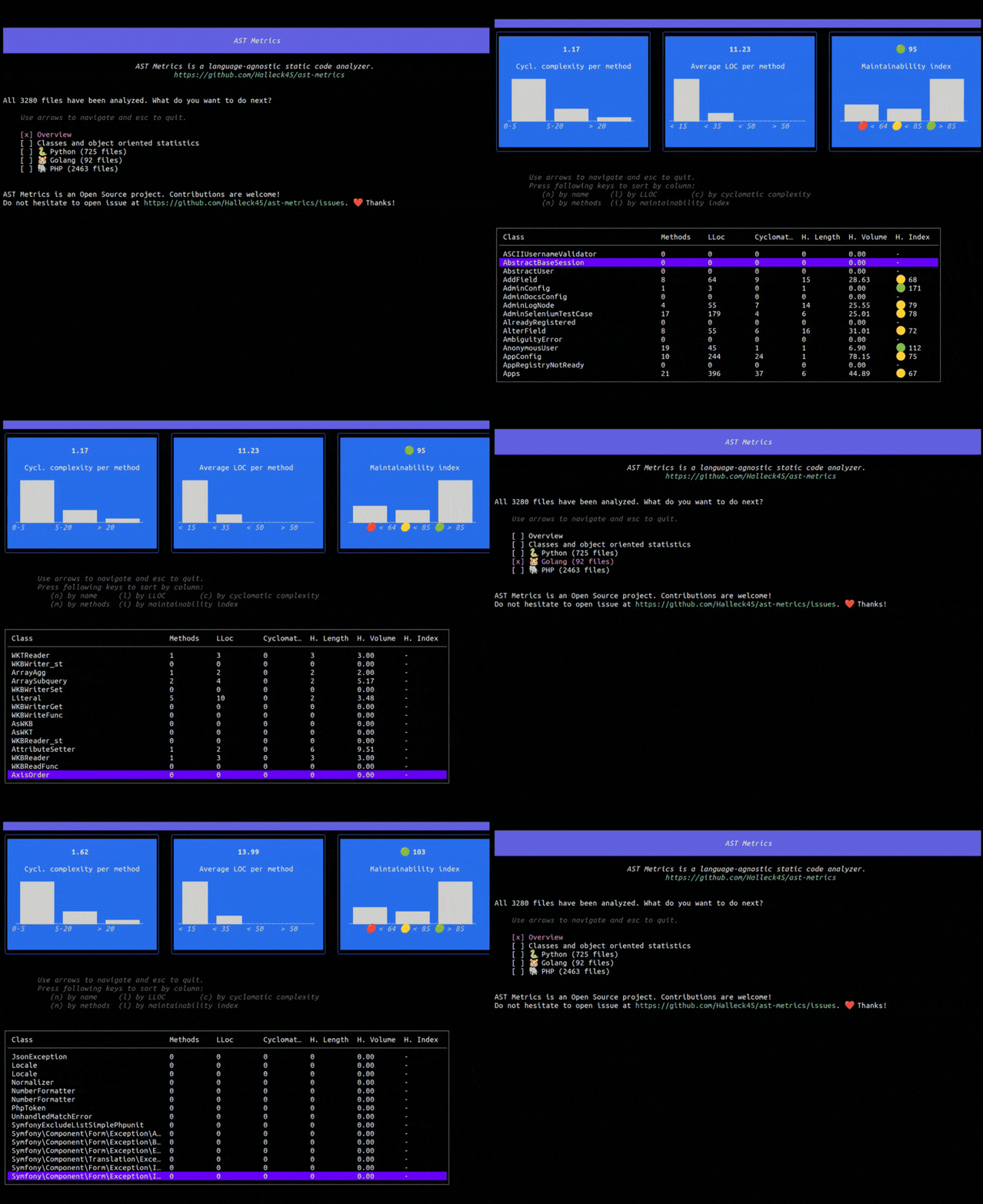
Navigate through the different sections using the arrow keys. You can press Enter to expand a section and see more details.
To exit the application, press Ctrl+C or the Esc key.
Note: You can search for a specific file or directory by pressing the
Ctrl+Fkey and typing the name of the file or directory you want to find.
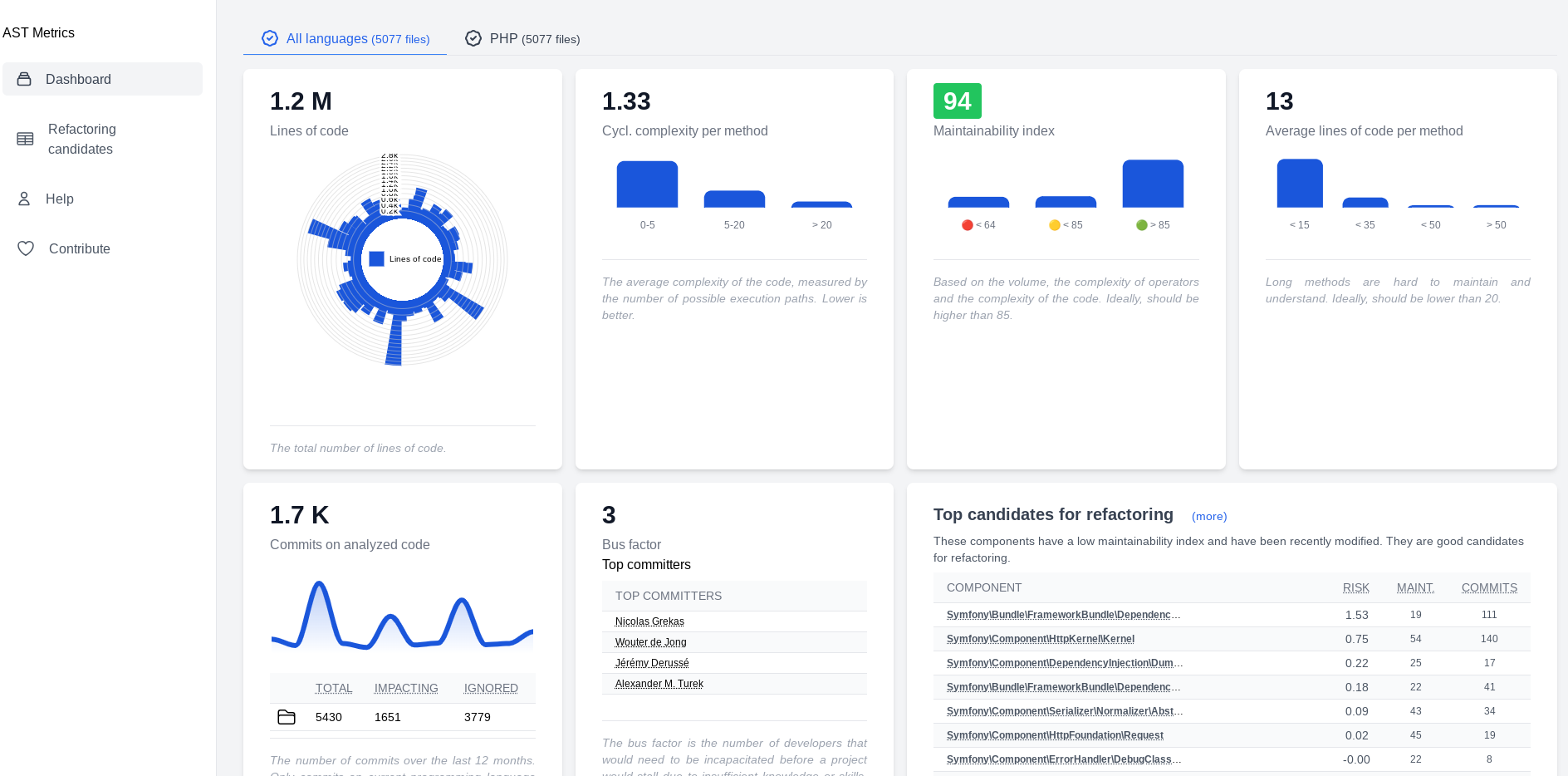
Generating an HTML Report
You can also generate a static HTML report to share with your team or keep as an artifact.
ast-metrics analyze /path/to/project --report-html=./report
This will create a report directory containing the full analysis.